How to design a Tesla wrap online
A practical guide to choosing a Tesla wrap template, arranging artwork, checking the 3D preview and exporting your PNG with CarWrapMaker.
Match the template before designing
Start on the Vehicles page and compare the year range and trim shown on each card. Refreshed and earlier Model 3 or Model Y versions have separate templates. Select the version that matches your intended vehicle rather than choosing a similar-looking car. A UV template is a flat layout of the 3D body: it tells the editor where each part of your image will appear. Changing the template after finishing the artwork can move important details onto the wrong panels.
Place artwork where it can be read
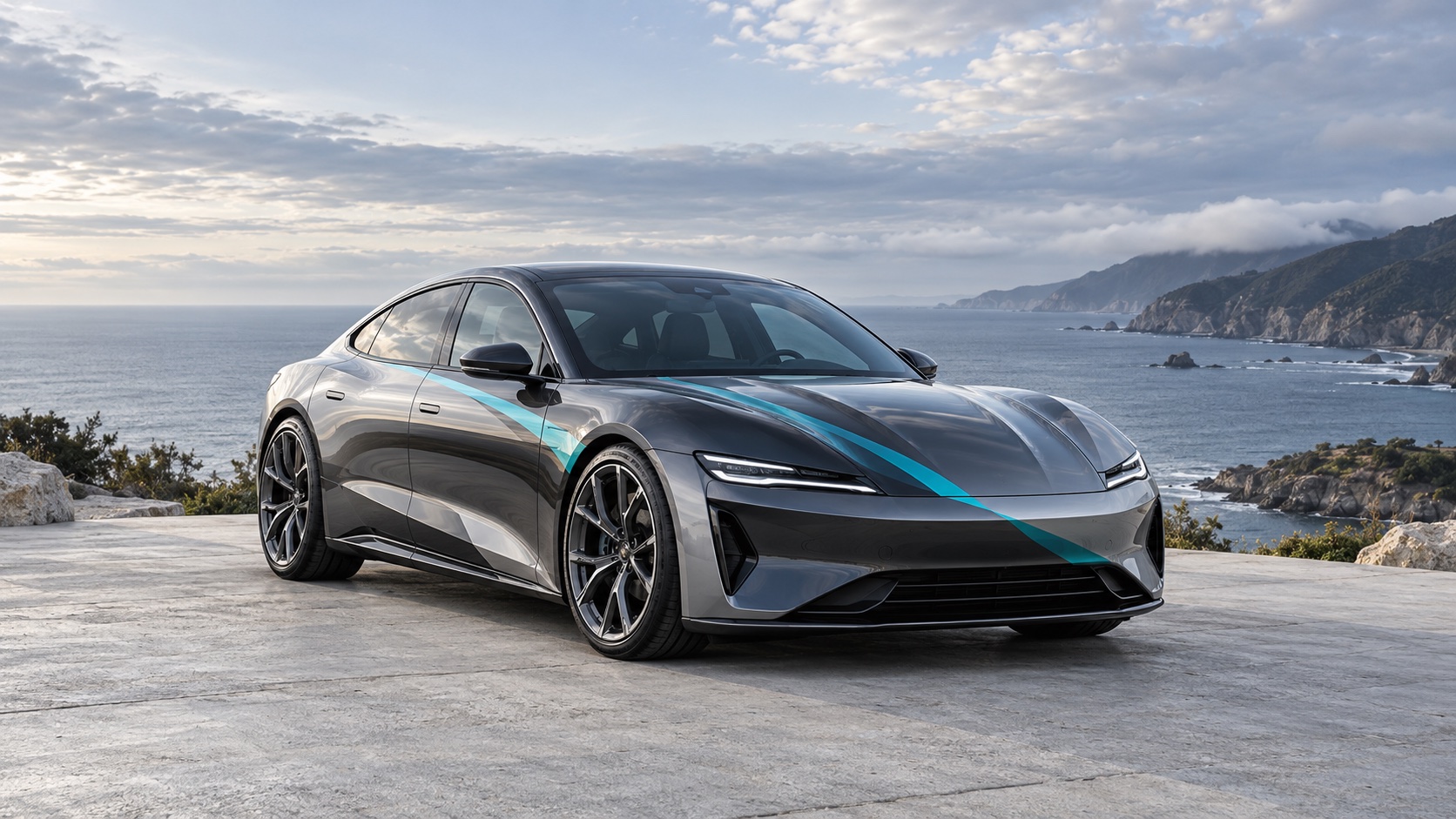
Begin with a simple base color and one focal element. Add your own image or text on separate layers so you can move or resize each piece. Keep lettering and important details away from panel edges until you have checked the preview. For a stripe or repeating pattern, look at how it continues across neighboring body sections. Inspect the left and right sides separately; a flat canvas alone cannot tell you whether a word or graphic will read correctly on the car.
Use AI when you need a new starting point
AI Studio accepts a text prompt or a reference image. Describe the colors, pattern and placement you want, then inspect the generated artwork before importing it into the matching editor. Text generation uses 10 credits and reference-image generation uses 20. AI is optional: you can still create your own design with the free editor. Use images you have permission to upload and keep a local copy of any result you want to retain.
Check the preview and keep the exported file
Rotate the 3D preview and check the hood, doors, roof and rear before exporting. Inspect the PNG after download and keep a copy outside the browser; browser drafts are tied to that browser and are not a cloud backup. A digital UV PNG is a design asset, not a full-scale vinyl cutting or print-production file. If you plan a physical wrap, ask an installer to prepare measurements, seams, bleed and material samples. Screen colors do not establish the finished appearance of real vinyl.
Independent Tesla wrap design tool. Digital previews do not guarantee physical vinyl color or fit.